Orders
Turn website visits into paid pickup and delivery orders.
Guests order on your own site and pay by card. DoorDash, Uber Eats and Grubhub orders land in the same list through KitchenHub.
One list
Your site and three delivery apps. One list.
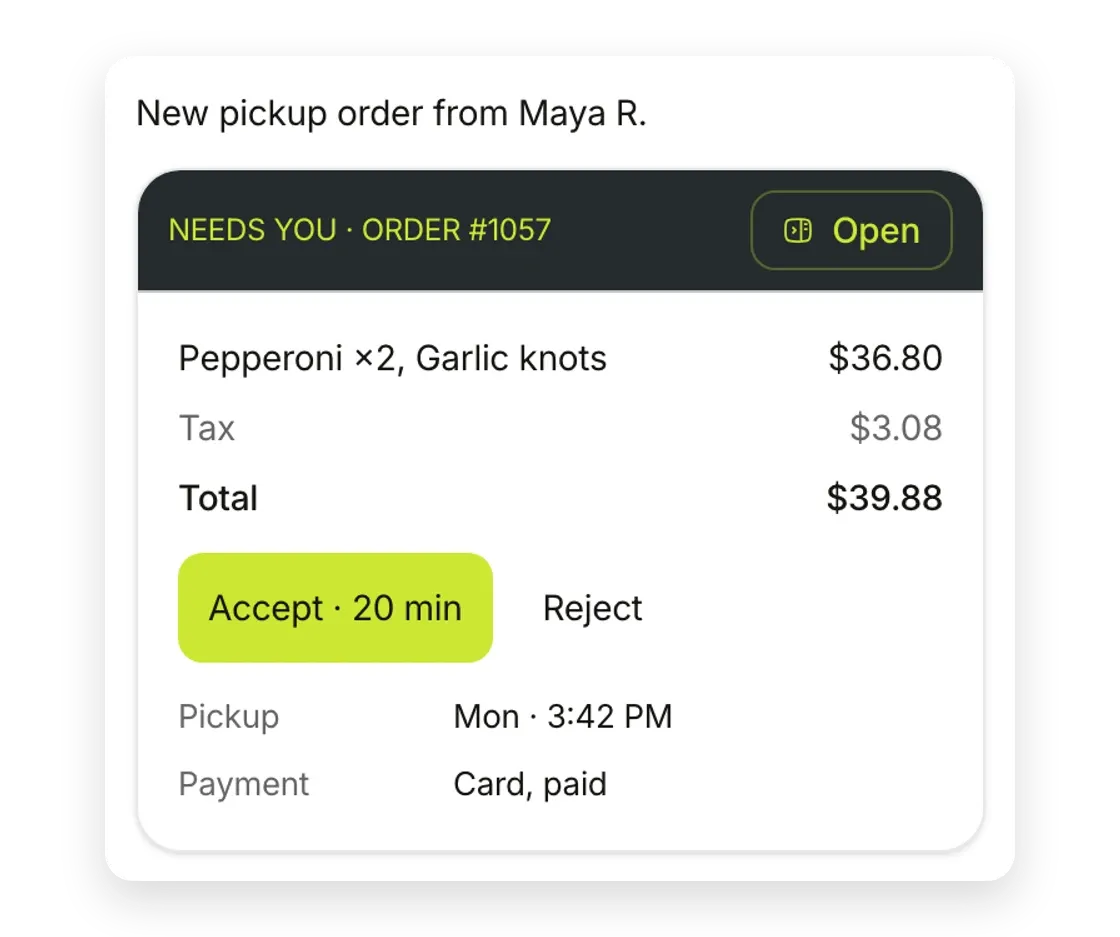
Each order shows its items, pickup time, payment and total. Accept it, or reject it with a reason.
Three steps. One tap from you.
Good questions.
Do DoorDash, Uber Eats and Grubhub orders show here?
Yes. Through KitchenHub, they land in the same list as the orders from your site.
How do guests pay?
By card, through Stripe. The money goes to your Stripe account.
Can I mark a dish as sold out?
Yes. Sold-out items stop taking orders until you turn them back on.
Which businesses can take orders?
Food and retail shops: restaurants, cafes, bakeries, grocery and gift shops.
Do I need a POS?
No. Orders show in the Semperi app. A POS app for iPad, Android and iOS is there if you want one.
Stop babysitting your website.
Start with a free scan of your website and Google profile.