
Restaurant SEO: a 43-point audit for 2026
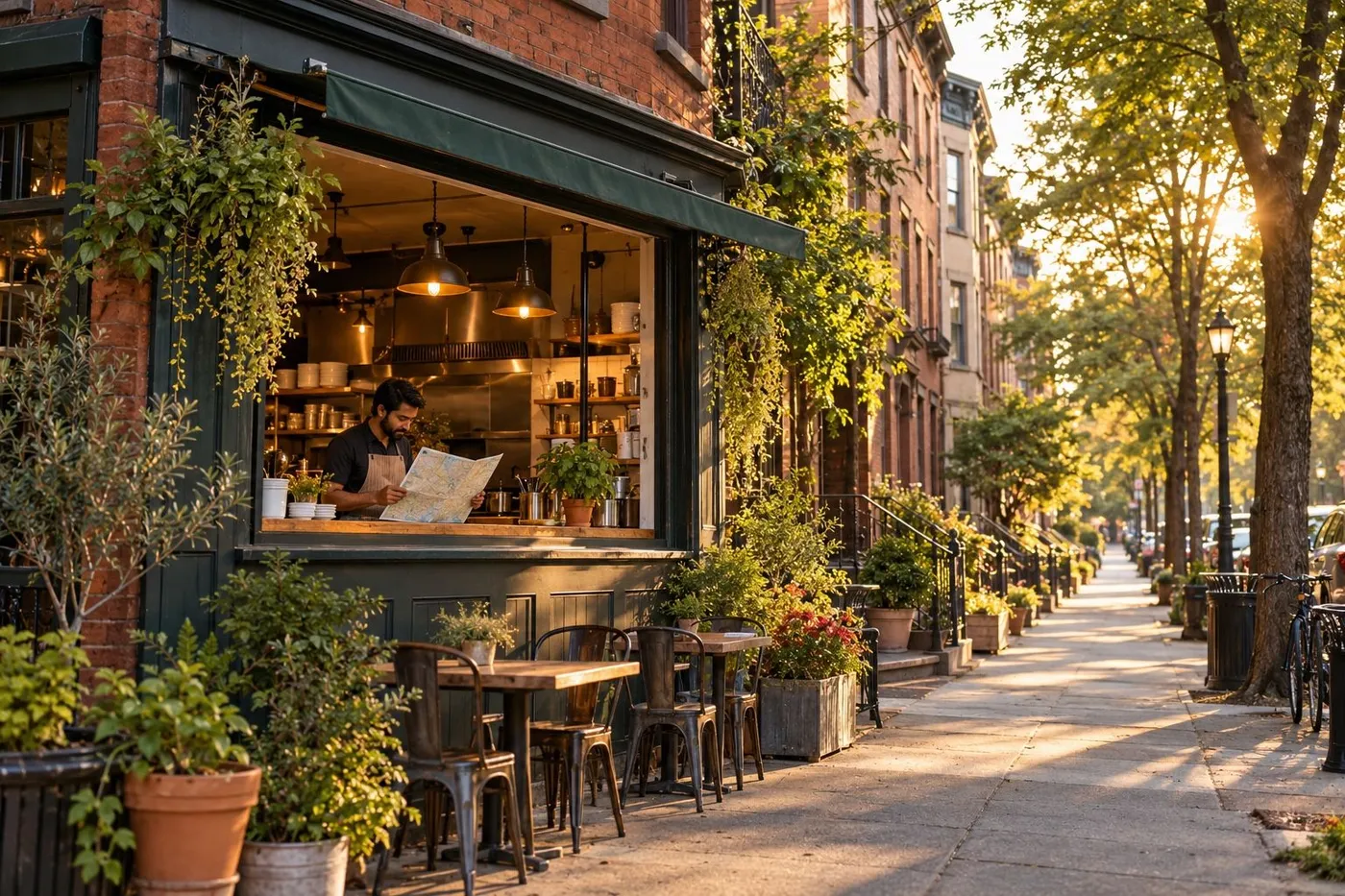
When someone searches for a restaurant nearby, they need to know whether it fits their plans. Your hours, location, menu, photos and reviews help guests decide what to do next.
This checklist is a manual way to review the information a restaurant presents on Google and its own website. Each item is a practical check, not a promised ranking factor. Google describes local results using relevance, distance and prominence; no checklist guarantees a particular position.
Start with the facts a guest needs today. If your hours or menu link are wrong, fix those before worrying about advanced markup.
1. Business profile and basic details
- Find the correct Google Business Profile for each restaurant location.
- Confirm the person responsible for the business can manage its profile.
- Check that the business name reflects the real restaurant rather than extra search phrases.
- Check the address and map pin if guests visit the location.
- Test the phone number on a mobile device.
- Check regular opening hours against the restaurant's current schedule.
- Add special hours for holidays or temporary changes when applicable.
- Choose categories that accurately describe the business using Google's available options.
- Review any relevant services and attributes for accuracy.
Google's business information guidance explains why accurate, complete information helps guests and search. Profile settings depend on the type of business; do not add an address or service area that does not describe how yours operates.
2. Menu, photos and guest information
- Open the menu link from the profile and confirm it reaches the current menu.
- Check that guests can read the menu on a phone.
- Compare item names and prices with the restaurant's approved menu.
- Check that the ordering link leads to the intended provider and location.
- Test the reservation link if the restaurant accepts bookings.
- Review photos for an accurate picture of the restaurant and its food.
- Confirm you have permission to publish each owner-supplied image.
- Update a photo or description when the relevant offering changes.
- Review profile questions and answers for outdated business information.
An HTML menu is often easier to navigate and update on a phone than a PDF, but the right test is whether guests can access and understand your current information.
3. Website and technical basics
- Confirm your website opens successfully on a phone.
- Find the restaurant name, address, phone and current hours without hunting.
- Check that the website details match the restaurant's approved business information.
- Make the most important action, such as ordering or booking, easy to identify.
- Open each important menu, order, booking and contact link.
- Give pages clear, descriptive titles and headings.
- Use readable text for important details instead of putting all information inside an image.
- Check that images have useful alternatives when they convey information.
- Review mobile loading and layout stability using a real device and available performance data.
For the technical checks, ask whoever manages the website to confirm that pages intended for search do not carry an accidental `noindex` rule, that the site opens securely over HTTPS without browser warnings, and that any sitemap lists the intended canonical pages. If you have Search Console access, check its sitemap report and submit the sitemap when useful; Google says submission does not guarantee indexing.
A single speed test is a lab observation, not the experience of every guest. When available, compare it with real-user Core Web Vitals field data, and use both to investigate loading, responsiveness and layout stability.
If you use structured data, make sure it reflects information guests can actually see. Google's structured data guide explains the format and makes clear that markup does not guarantee a rich result.
4. Reviews and replies
- Read recent reviews for recurring concerns and questions.
- Prioritize serious issues and involve the appropriate person at the restaurant.
- Reply where you can add a useful, professional response.
- Check details against the actual review and current restaurant information.
- Avoid sharing guest information or making promises the business has not approved.
- Provide a neutral review link or QR code to guests with a genuine experience.
- Do not offer incentives, request a particular rating or selectively solicit positive reviews.
- Report a review only when you believe it violates Google's content policies.
Google's review policy explains prohibited incentives and selective solicitation. Our seven-day review guide walks through an owner-friendly response plan.
5. Other listings, links and ongoing checks
- Check major listings guests actually use for the correct location and contact details.
- Fix outdated menu, order or booking destinations on those listings where you can.
- Check the website link in your restaurant's social profiles.
- Review links from your own site to social pages and ordering providers.
- Check that each location has information specific to that location.
- Review Search Console data for the correct property if your business has access.
- Note the date, device and location when you perform a search check; results can vary.
- Assign a person and a realistic date to recheck hours, menu links and key actions.
Avoid buying links or exchanging them simply to manipulate ranking. Useful links help guests find a relevant source. Google's search spam policies explain prohibited link and content practices.
Where should I start if I have an hour?
Check the profile's hours, phone and menu link. Then try to find the menu and order or booking action on your phone. Write down what is wrong, who will correct it and where else the same information appears.
If there is more than one location, repeat the check for each rather than assuming their details are identical. A short, regular review makes it easier to catch a changed phone number or an expired menu link.
Can Semperi help with local visibility?
Semperi offers a free scan and a Google Business Profile overview. Review the actual scan output for your business and ask which checks and changes are included. This article's 43 manual checks should not be taken as a promise that the scan performs every one.
For the next part of the guest journey, see our restaurant website design guide.
Common questions
Will these checks put my restaurant in the map pack?
No. Accurate, useful information helps guests and can help Google understand your business, but results also depend on the query, location and other factors. Google does not guarantee a particular placement.
Should I create a separate page for every neighborhood?
Only create a page when it provides useful, accurate information for that audience. Do not make near-identical pages by changing only a neighborhood name. Review Google's spam policies when planning pages at scale.
How often should I update my profile?
Update information when the business changes, and choose a review rhythm your team can maintain. Special hours, menu changes and broken links deserve attention when they occur; there is no universal posting schedule that guarantees a ranking.
